Management
Budget and expenses
The budget burn bar on every site, broken down by category.
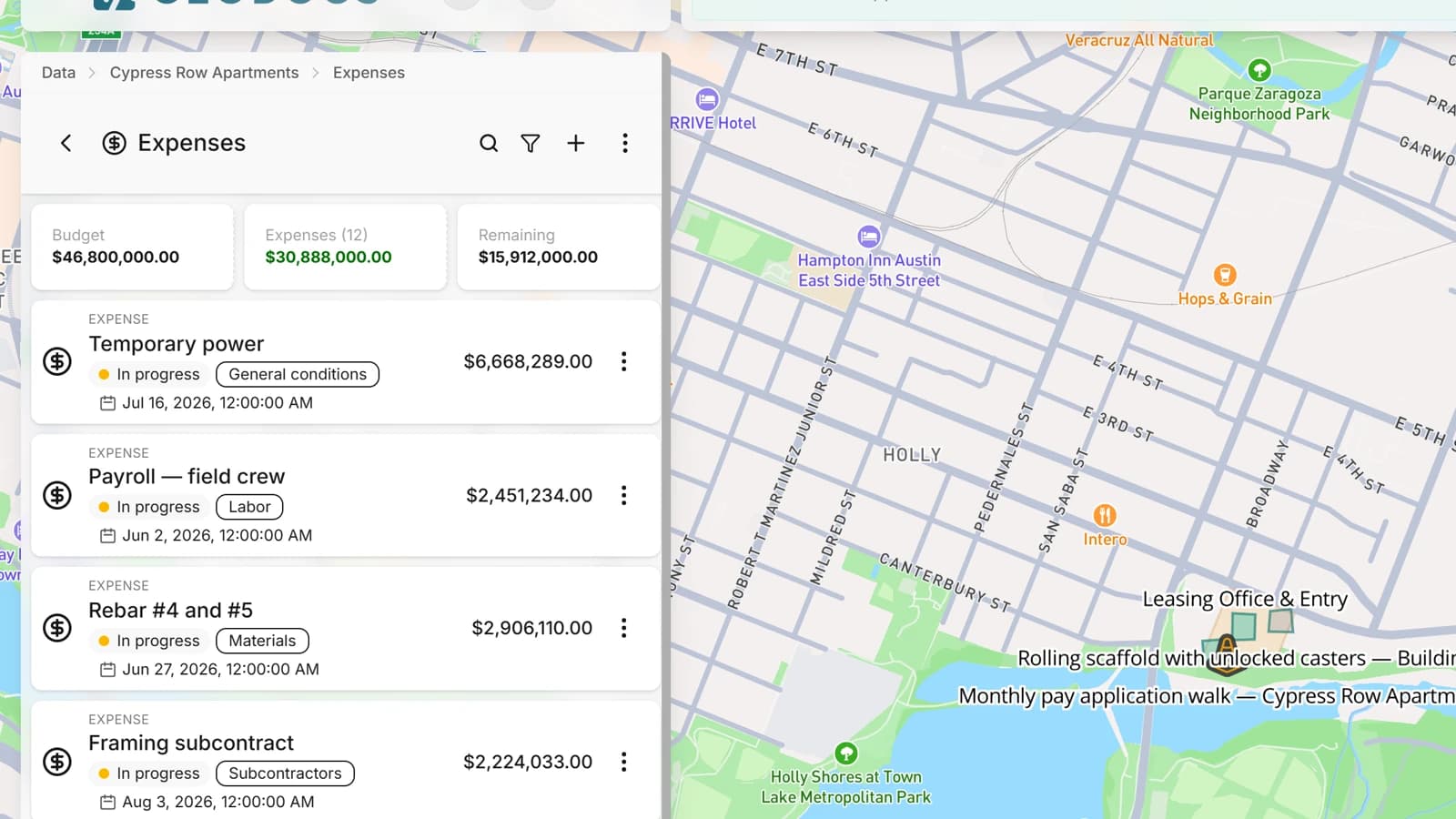
Every project has the year's budget split by expense category: labour, materials, rentals, whatever your site uses. Expenses come in from the app or the office and draw down the right category. The dashboard shows spend, balance and percentage in real time, and the financial report comes out ready.
- Budget per year and per project, distributed across expense categories
- Expenses logged from the phone, with a photo attached
- Expense categories you create and rename
- Spend per category and remaining balance on the dashboard, in real time
- An alert when a category's burn reaches the percentage you set
A budget at every level, consolidated upwards
Because a project is a folder, the budget follows the hierarchy you built: contract, region, site, work front. Every level can have its own, and the level above adds up what sits inside. The regional manager sees the burn of their sites; the board sees the whole contract; the foreman sees only their front. As many levels as you need, with nothing to configure beyond the folders.
- A budget per folder at any depth, with its own categories
- The level above consolidated from the folders inside it
- Every access profile sees the budget of what it can see, and nothing above