Field
Mobile app
The technician's phone is your field sensor. With or without internet.
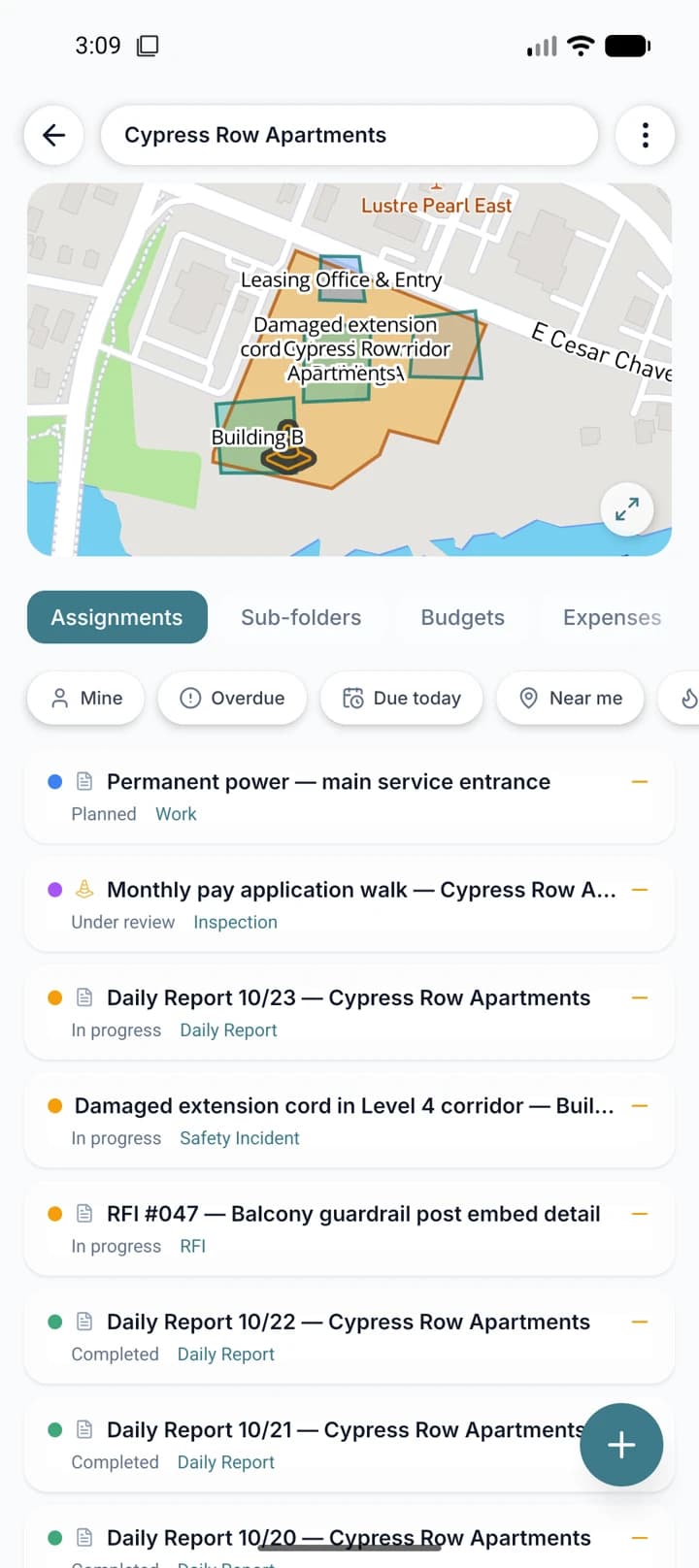
The Geodocs app runs on iOS and Android, on the phone and on the tablet, and carries the same map, folders and forms from the office into the site. Everything is stored on the device, so screens open the same with or without network, and it syncs by itself when the connection returns.
- Create and edit folders, tasks, forms, expenses and hours, with or without signal
- Draw on the map by walking with GPS or by hand, with area and distance measurement
- Photos stamped with GPS: coordinates, altitude and camera heading
- Tablet-ready, with biometric unlock and the same access control as the office
Offline and sync
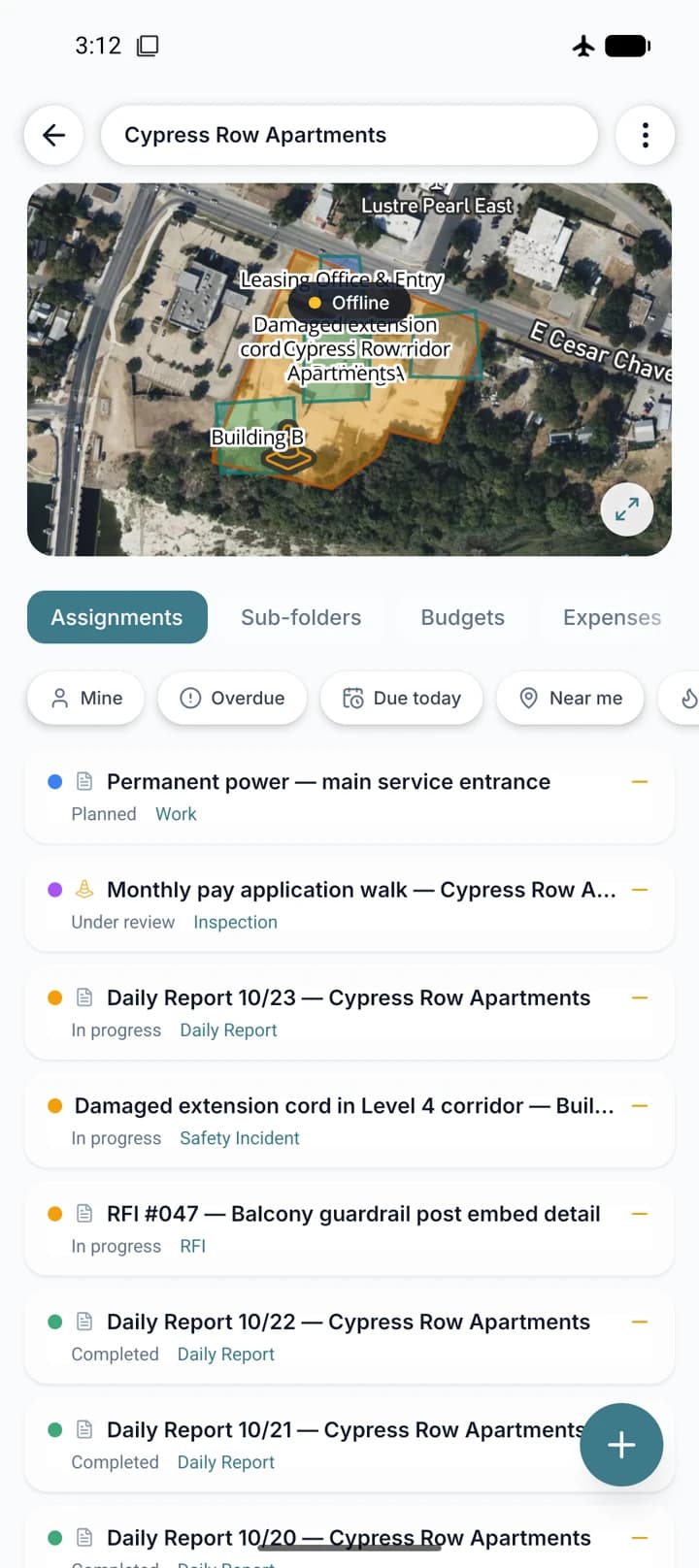
Data lives on the device from the first sync. Turn on offline mode and the app also carries the map around each project and the files it can preview. Sync is incremental and automatic: it checks often while in use, spaces itself out when idle, and pushes changes shortly after you save. Only what changed travels, and nobody has to remember to "send".
- Map tiles downloaded automatically around each project
- Manual area download with a size and time estimate
- Upload queue with automatic retry for photos and files
- Offline tag, a counter of what is still to upload, and a status screen with anything that failed
Draw and measure without leaving the spot
Walk the boundary with GPS on, or draw a point, line or polygon with your finger over the map, and the app shows the area and distance right away. Photos taken in the app carry a position stamp: coordinates, altitude and the direction the camera was pointing, so nobody has to ask where a photo is from.
- Draw with GPS: the path you walk becomes the folder outline
- Point, line and polygon by hand, with area and distance measurement
- GPS stamp on photos, with altitude and heading
- Street or satellite map, offline too
Built for people out in the field
Details that look small from the office and matter on site: the shift shows on the lock screen, dirty hands do not have to type, the app speaks each person's language, and it runs the same on the phone and on the tablet.
- Shift visible on the iPhone lock screen and in the Android notification bar
- Long-press shortcuts: start or stop work, draw with GPS, new folder
- Voice dictation processed on the device itself, no audio sent to the cloud
- Nine interface languages and light, dark or system theme